Crop Supply Planning Setup

Set up your Crop Supply Plan in Claret with our detailed guide. Understand the importance of master data items, manage crop items and locations, and optimize demand and supply for each vintage.

In order to build out a Crop Supply Plan, and feed this from your Make Plan if required, there are master data items that need to be configured. Many of these are also used in other modules and so may already be set up, but here we will walk through what information is needed and how this informs the Crop Supply Plan.

Core Data

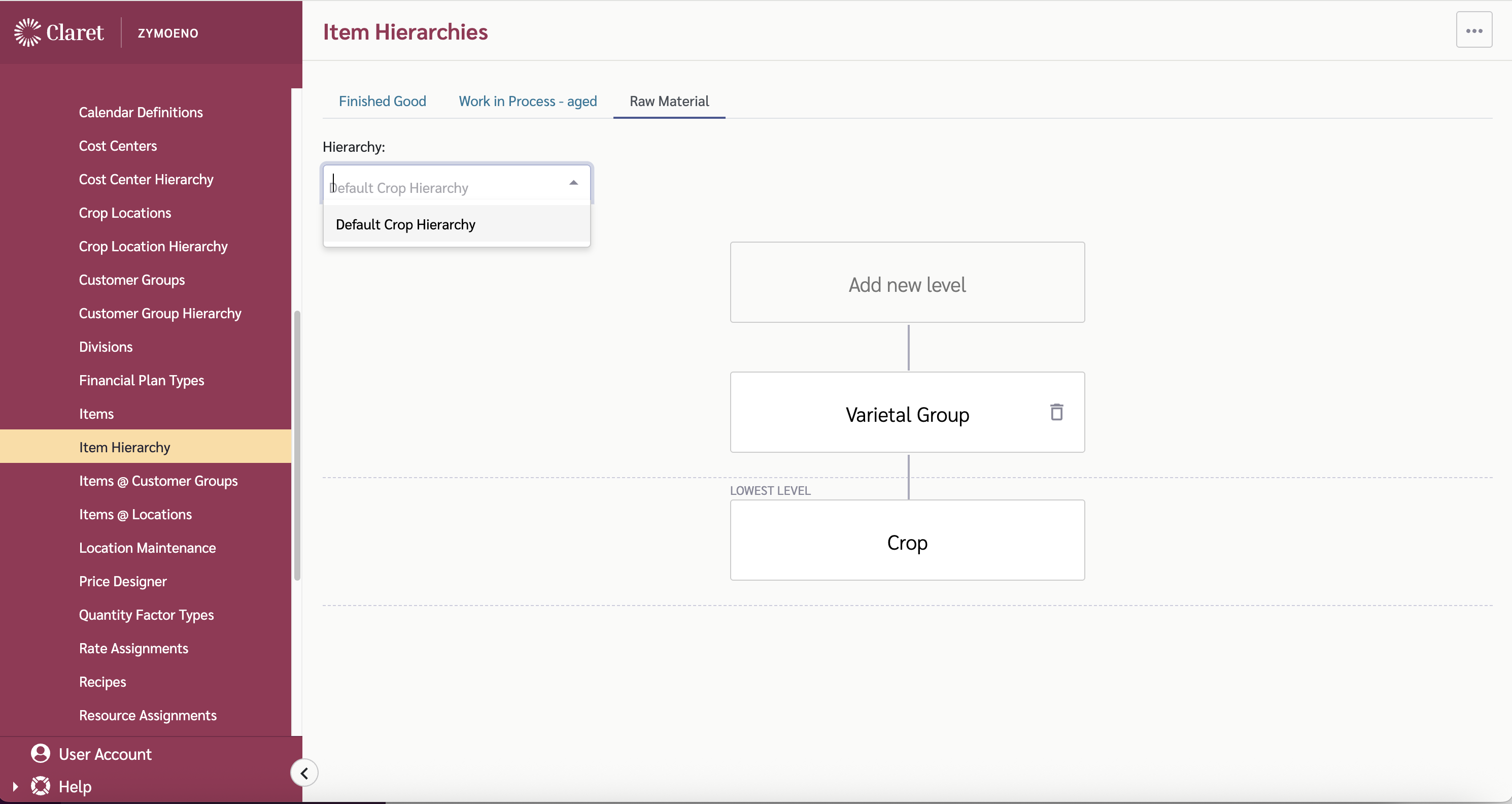
The very first set of data that needs to be set up is the Crop Item Hierarchy. This is built using a Raw Material Item Hierarchy. (via the Item Hierarchy page - see Item Hierarchy documentation for more details). A default hierarchy has been created for you so you can update this or create a new one as you wish.

Default Crop Item Hierarchy

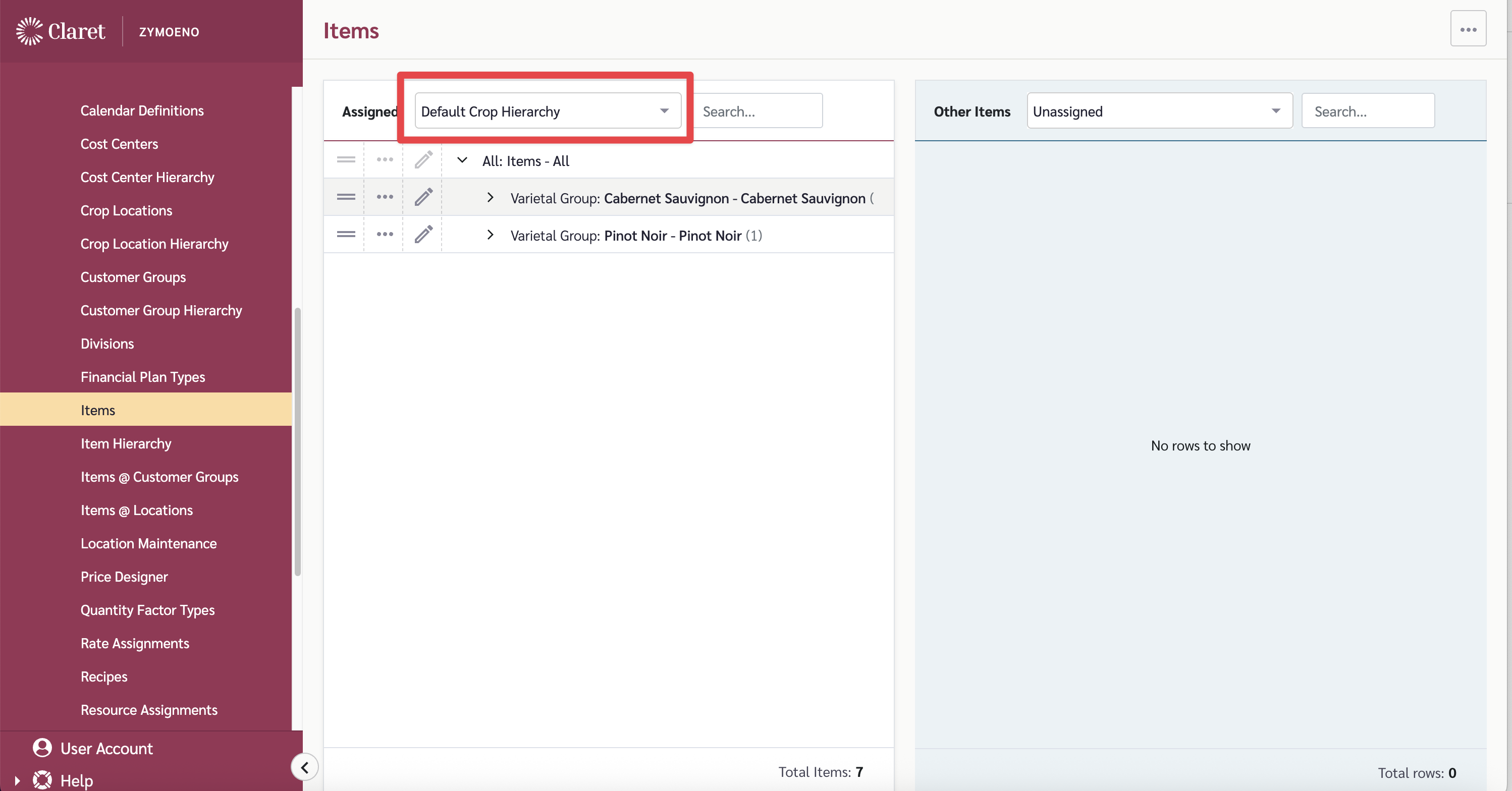
Items are then added to this Hierarchy via the Items page. (Select the correct Hierarchy at the top). See Crop Items for more details.

Item@Location links are then needed to connect the crop items to the locations they are sourced from. This is done on the Item@Locations page. See Item @ Locations for fruther details.

To build out the Crop Supply Plan, additional Master Data setup is required.

Note: In the links below, change <TENANT> to the name of your tenant. For example, if the tenant is "zymoeno": https://plan.claret.app/zymoeno

Category
Data
Master Data Required
Notes

Dependent Demand

Planned

  • WIP Items set up - https://plan.claret.app/<TENANT>/settings/master-data/hierarchy/item

  • Crop Items set up - https://plan.claret.app/<TENANT>/settings/master-data/hierarchy/item

  • Recipes set up linking WIP items to Crop items - https://plan.claret.app/<TENANT>/settings/master-data/recipes

  • Supply Plans with WIP make volumes - https://plan.claret.app/<TENANT>/settings/transactional/supply-plans

Crop Dependent Demand is calculated by looking at the planned WIP Make volumes and applying the recipe ratios to determine how much of each crop item 'ingredient' is required.

Supply

Planned

  • Crop Items set up - https://plan.claret.app/<TENANT>/settings/master-data/hierarchy/item

  • Crop Locations set up - https://plan.claret.app/<TENANT>/settings/master-data/crop-locations

  • Supply Type for Crop Supply Plans - https://plan.claret.app/<TENANT>/settings/master-data/supply-types

Planned supply is the intended harvest volume for each crop location by vintage. This can be updated in the Crop Supply Planning view.

Last updated

Was this helpful?