> For the complete documentation index, see [llms.txt](https://docs.claret.app/llms.txt). Markdown versions of documentation pages are available by appending `.md` to page URLs; this page is available as [Markdown](https://docs.claret.app/master-data/varietals.md).
# Varietals
Set up and manage Varietals in Claret to categorize your products by grape variety or product type.
Varietals represent different product varieties in Claret, commonly used in wine and agricultural operations to categorize products by variety (e.g., Pinot Noir, Chardonnay, Cabernet Sauvignon). Each varietal has a name, code, and associated color classification.
Varietals are assigned to Parent WIP items. See [Work In Process Aged Items](/master-data/items/work-in-process-aged-items.md)
## Setting up Varietals
### Navigate to the Varietals page
1. Go to the navigation sidebar.
2. Click on "Settings" menu item.
3. Click on "Master Data" menu item.
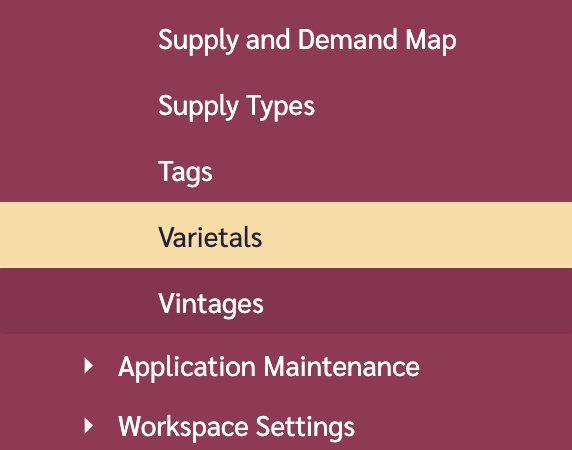
4. Click on "Varietals".
### Add a Varietal
1. Go to the options (ellipses) button in the top-right of the page and click on it.
2. Click on "Add Varietal".
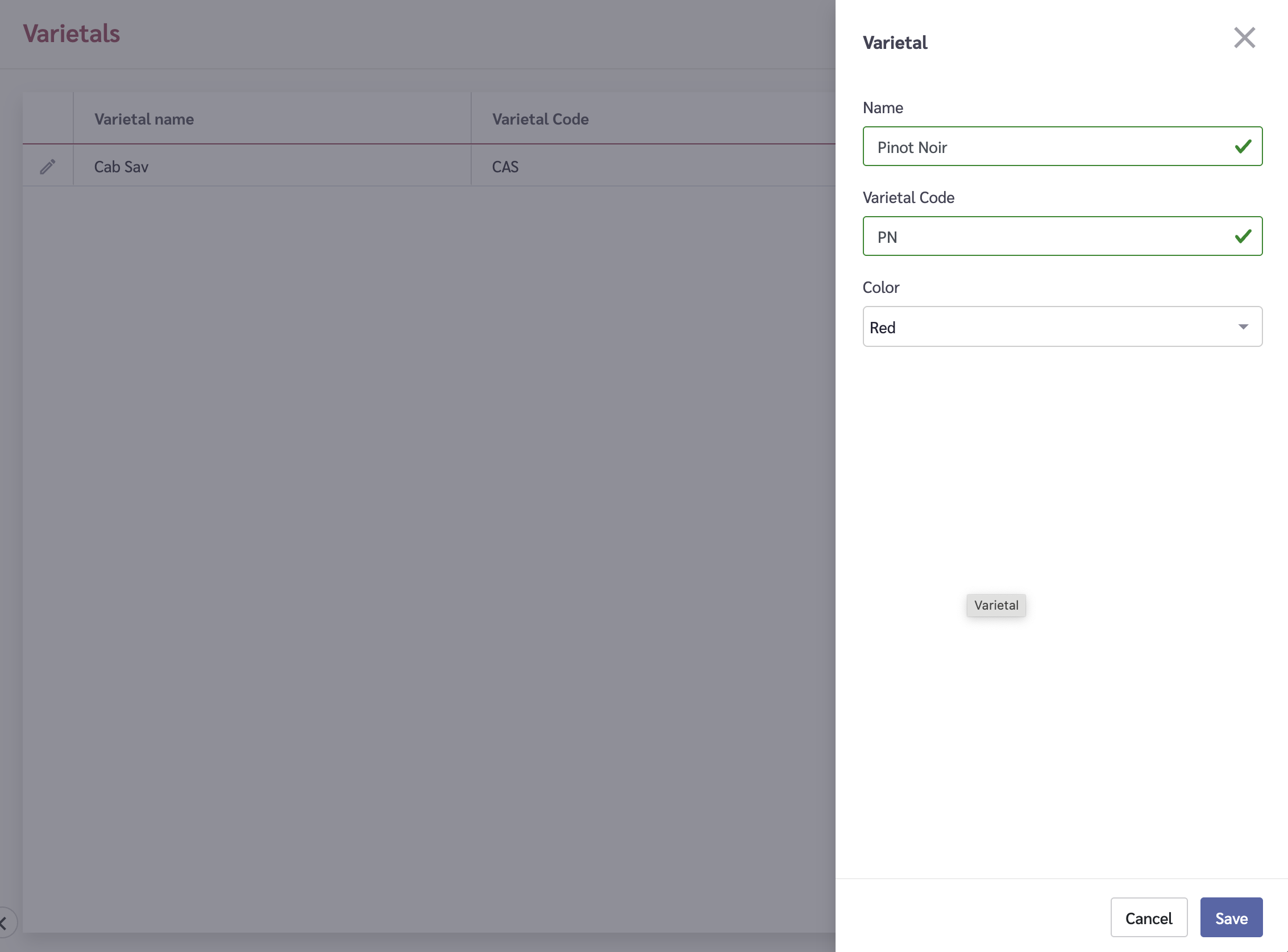
3. A tray will slide in from the right. Fill in the following fields:
* **Name** - The full name of the varietal (e.g., "Pinot Noir")
* **Code** - A short code identifier (e.g., "PN")
* **Color** - Select the color classification for this varietal
4. Click on the "Save" button.
{% hint style="info" %}
Varietal names must be at least 3 characters long. The code field is useful for quick identification and data imports.
{% endhint %}
### Edit a Varietal
1. Click on the Edit icon beside the varietal you wish to edit.
2. A tray will slide in from the right.
3. Modify the name, code, or color as needed.
4. Click on the "Save" button.
### Delete a Varietal
{% hint style="warning" %}
Deleting a varietal may affect items that reference it. Review your item data before deleting a varietal.
{% endhint %}
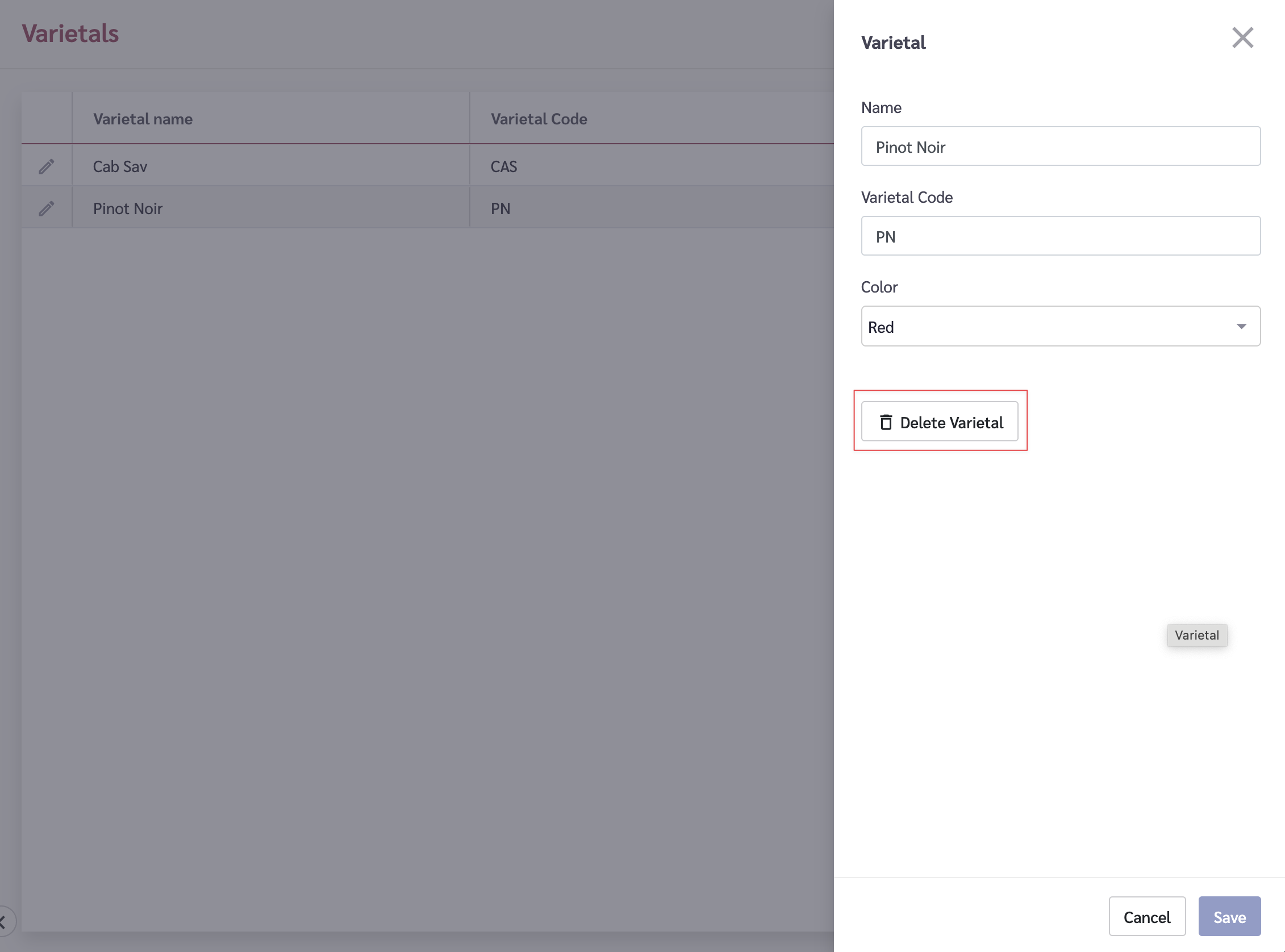
1. Click on the Edit icon beside the varietal you wish to delete.
2. A tray will slide in from the right.
3. Click on the "Delete Varietal" button.
4. You will be prompted to confirm the deletion.
5. To remove the Varietal, type the word "DELETE" into the input box and click the "Delete" button.
## Varietal Fields
| Field | Description | Required |
| ----- | ------------------------------------------- | -------- |
| Name | The full name of the varietal | Yes |
| Code | A short identifier code | Yes |
| Color | The color classification (red, white, etc.) | Yes |