Quick Start: Make Planning

Quick start guide for Make Planning — how to select a WIP item, read the grid (sales, inventory, supply plan, position), and understand the Gantt chart.

What You'll Learn

Make Planning helps you plan how much to make of each vintage by bringing together sales data, forecast data, and inventory into one view. After this guide, you'll be able to navigate to the module, select WIP items, read the planning grid, and interpret the Gantt chart.

Before You Begin

Your admin should have already:

  • Set up WIP (Work in Process) Items and Finished Goods Items

  • Configured Routings and Recipes linking WIP items to finished goods

  • Imported sales data and inventory data

  • Created at least one view configuration

If the module shows no data, check with your admin that setup is complete. See Setting Up Make Planning for what's required.

Step 1: Access Make Planning

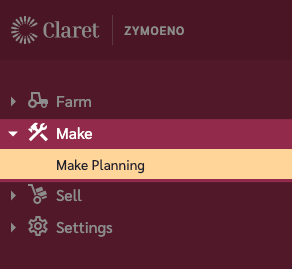
Navigate to Make > Make Planning in the left navigation menu.

The Make Planning menu item in the navigation
Step 2: Select a View

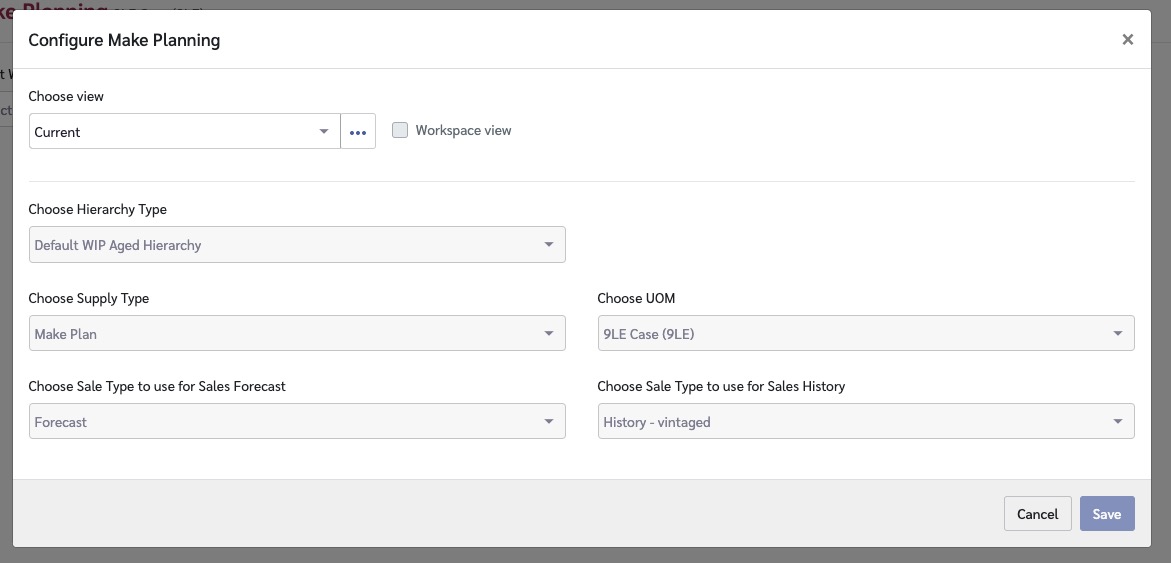
  1. Click the view menu in the top-right of the page

  2. Select a workspace view or configure a personal view

  3. The view determines which sales data, inventory data, and supply plan data is displayed

The Make Planning view configuration screen
Step 3: Select WIP Items

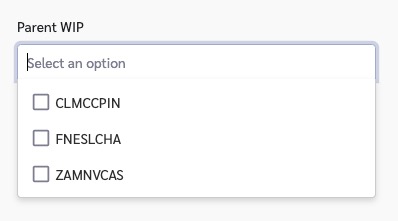
  1. Use the Parent WIP selector at the top of the page. (You can use the filters to filter down the options in the Parent WIP selector.)

  2. Select one or more WIP items to display

  3. The grid and chart will populate with data for the selected items

Each WIP item expands to show its child items (vintages), so you can see the breakdown by vintage year.

The Parent WIP selector at the top of the Make Planning page
Step 4: Read the Grid

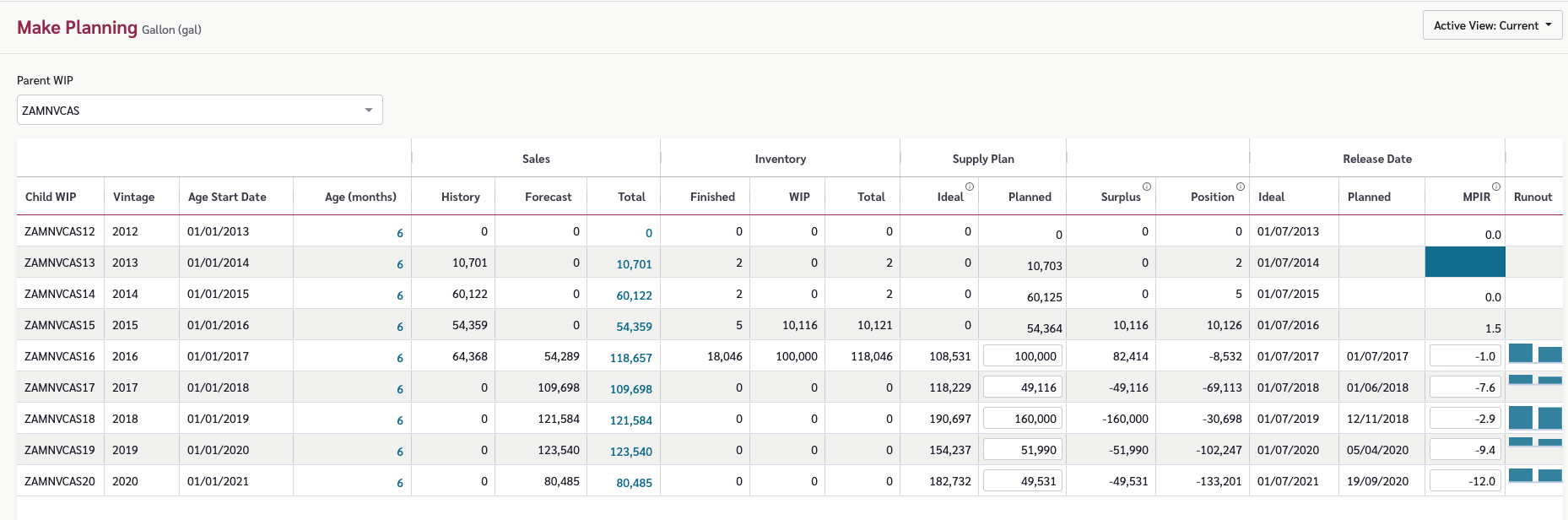
The Make Planning grid is organized into sections:

Section
What It Shows

Child Item Master Data

Vintage, age start date, and age for each child item

Inventory

Current finished goods and WIP inventory levels

Sales (History)

Historical sales volumes for each vintage

Sales (Forecast)

Forecasted sales mapped to vintage release dates

Supply Plan

Ideal make (calculated) and planned make (your plan) quantities

Overall Position

Surplus/deficit, packed quantities, to-pack quantities, position, and release dates

The Make Planning grid, with columns grouped by section
The Ideal Make is calculated by Claret based on demand and inventory. The Planned Make is what you actually plan to produce — you can edit this value if it differs from the ideal.

Step 5: Understand the Gantt Chart

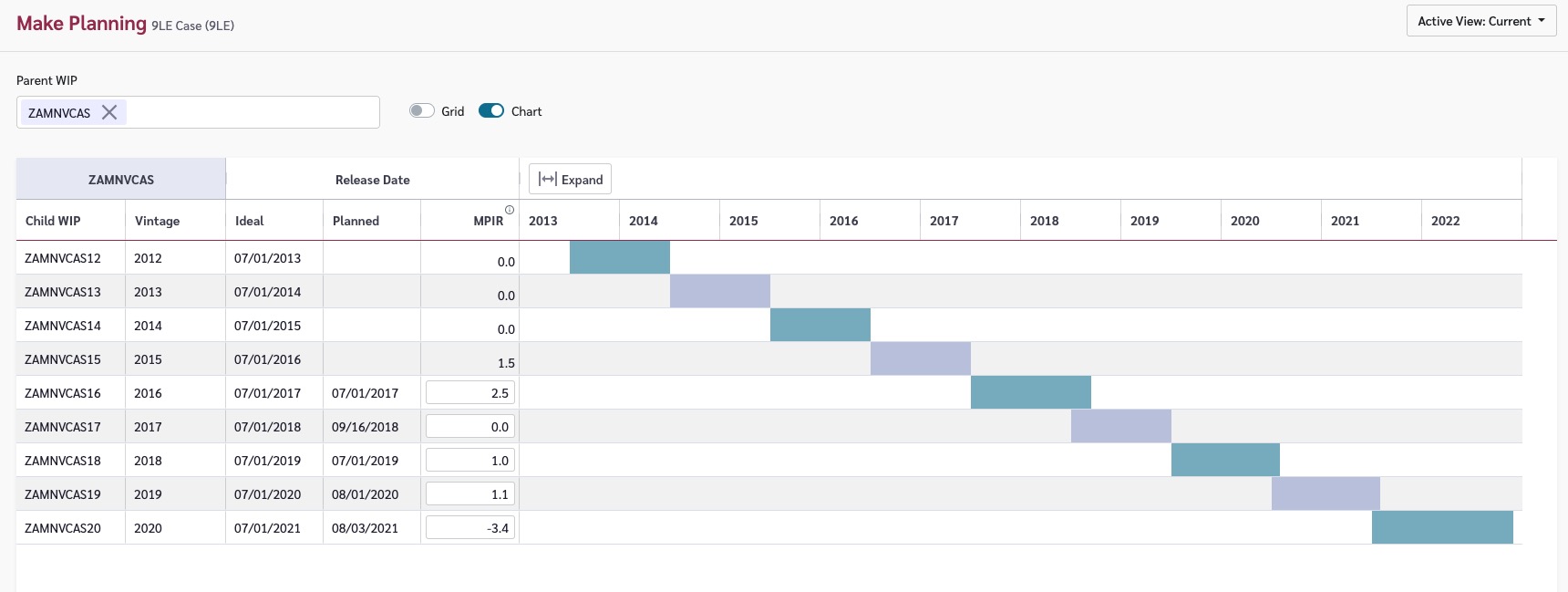
Toggle the Chart view on using the Grid/Chart toggles at the top of the page. The Gantt chart provides a visual timeline showing:

  • When each vintage is expected to be released

  • How long the vintage is expected to available for (based on make and demand)

  • Overlap between vintages based on current plans

Use the Gantt chart alongside the grid to visualize your production schedule and spot timing conflicts.

The Make Planning Gantt chart showing vintage release timelines

Understanding the Data

Key metrics in Make Planning:

Metric
What It Means

Ideal Make

The quantity Claret recommends producing to meet demand given current inventory

Planned Make

The quantity you actually plan to produce — edit this to reflect your production plan

Position

The net position after accounting for demand, inventory, and planned production. Negative means a potential shortfall

Surplus

Inventory that exceeds demand requirements

Common Questions

How does demand flow into Make Planning?

Make Planning pulls demand from sales data (history and forecasts) configured in the view. Recipes link finished goods items to WIP items, so demand for a finished good translates into demand for its component WIP item.

Can I edit the planned make quantity?

Yes, if your license allows. Click on the Planned Make cell for a vintage and enter your planned production quantity. If you cannot edit Planned Make, contact your administrator to check your permissions.

What do the vintage release dates mean?

Release dates indicate when a vintage is planned to transition from WIP to finished goods and be available to meet demand. The Ideal Make calculation considers these dates when determining how much to produce and when.

Last updated

Was this helpful?